
8-bitowe kartki
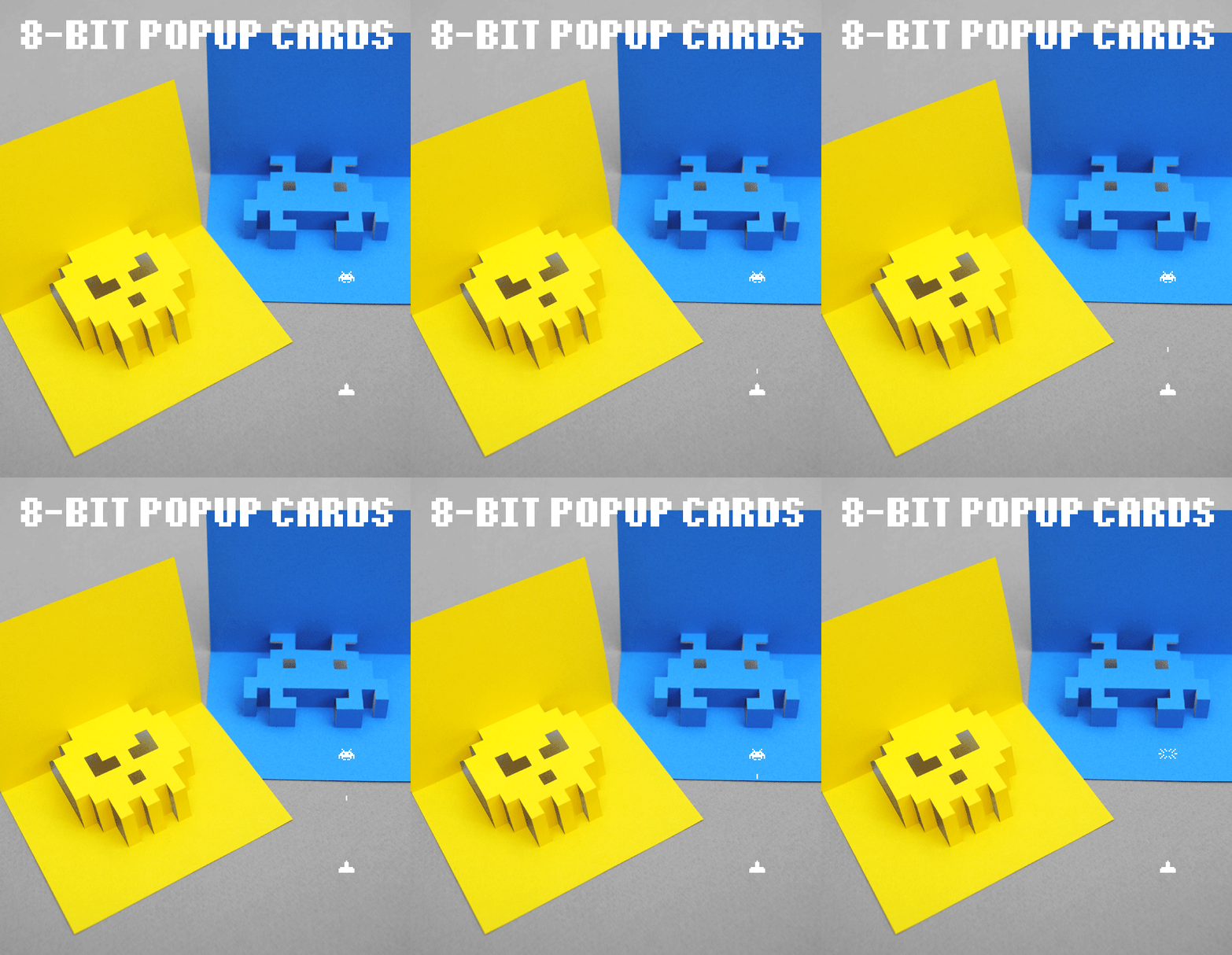
W świecie wszechobecnej komunikacji cyfrowej, papierowe listy i kartki z życzeniami stają się jeszcze bardziej ważne. Zwłaszcza gdy sami je zrobiliśmy. Oto jak zrobić 8-bitowe kartki dla przyjaciół oraz rodziny.
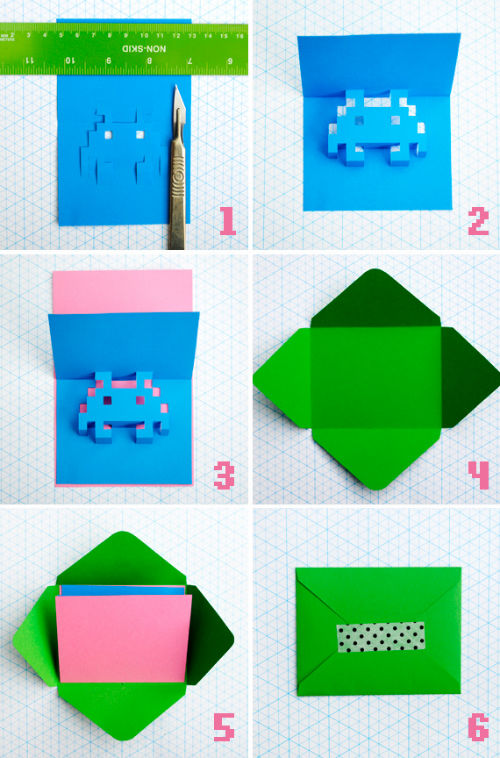
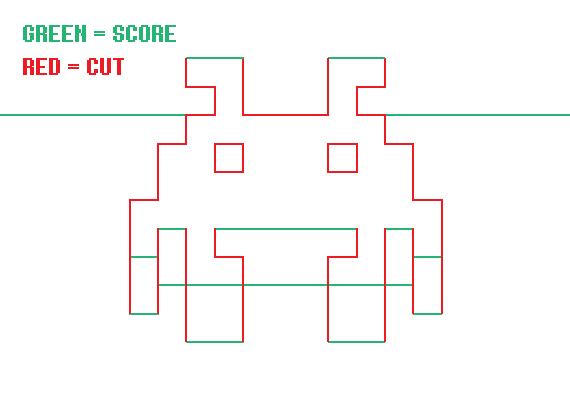
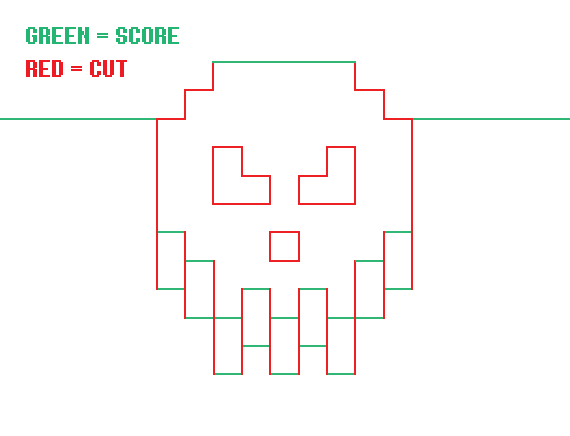
W tym poradniku będzie czaszka oraz obcy ze Space Invaders, ale gdy już zrozumiecie jak działa technika, możemy stworzyć własne wzory.
Rozmiary
Kartka: 8,5 x 6,5 cm
Koperta: 9 x 7 cm
Więcej przykładów i bardziej szczegółowa instrukcja na stronie Minieco.
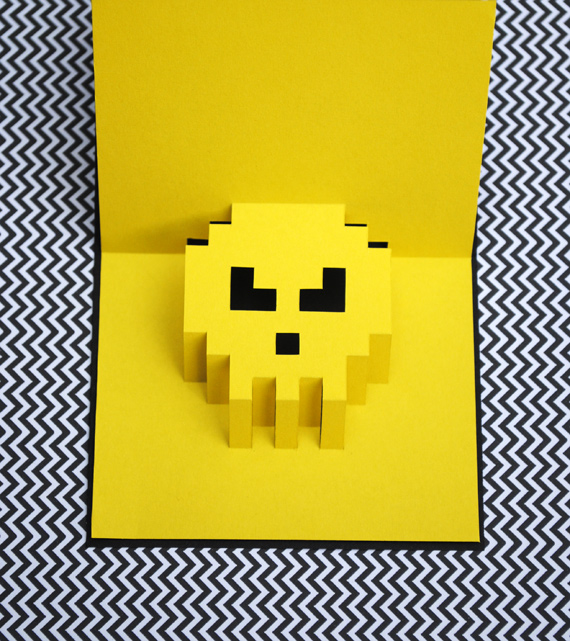
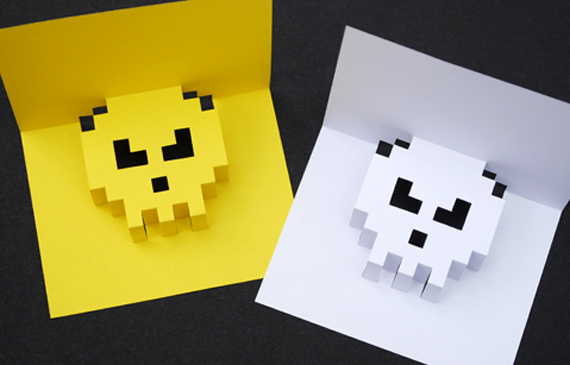
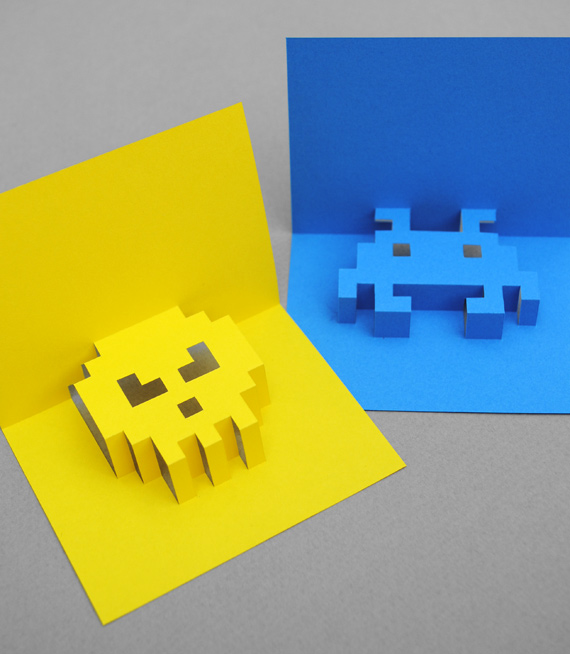
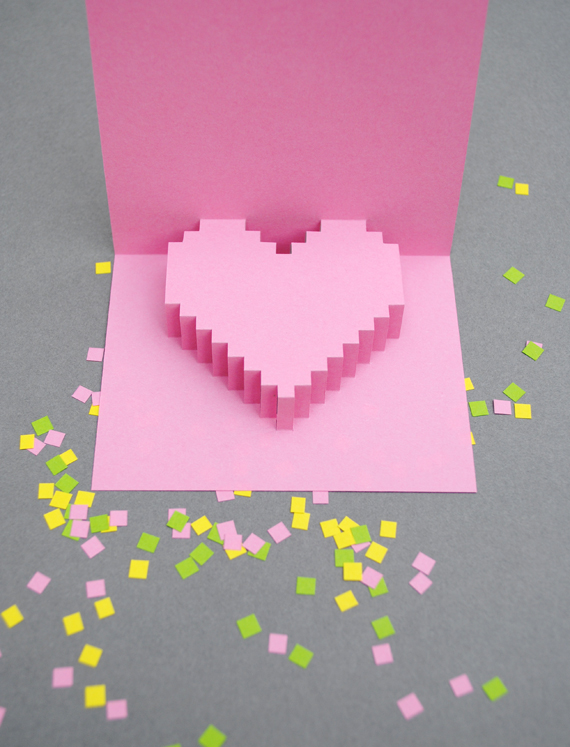
They are really minimal (which I love) and take about 20 minutes to make (that includes the card, insert and envelope).
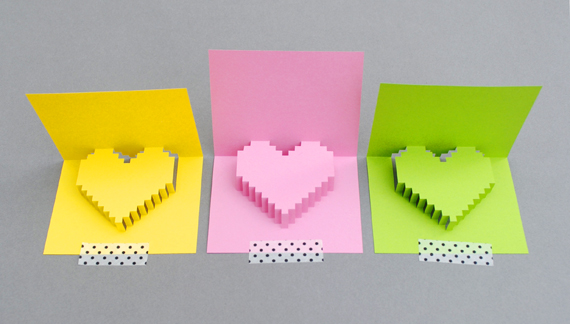
You can even make some pixely confetti to put inside the card (if you are a big kid like me!).
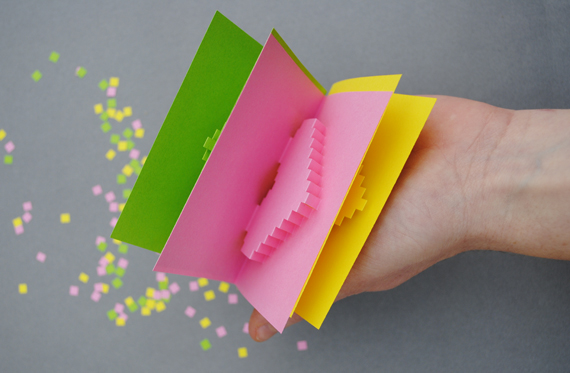
Full instructions and printable templates below!
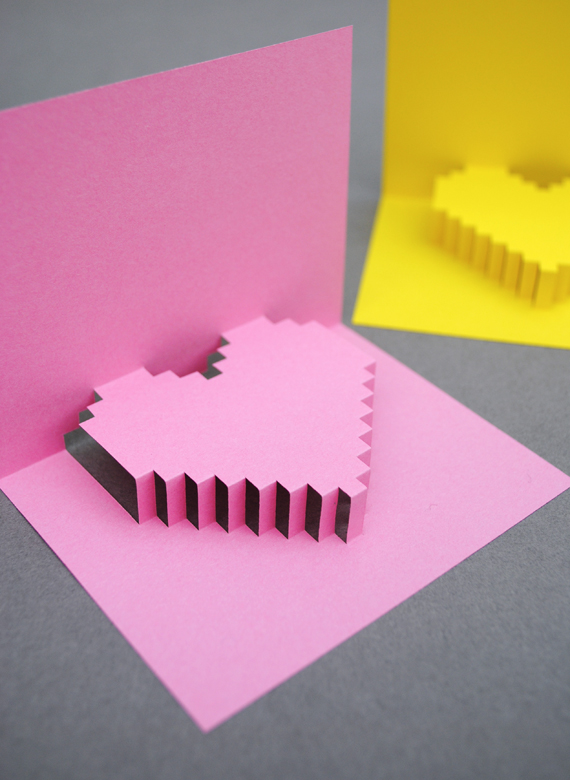
(BTW I remember seeing something similar in a popup book years ago. If anyone knows of the book then do let me know!).
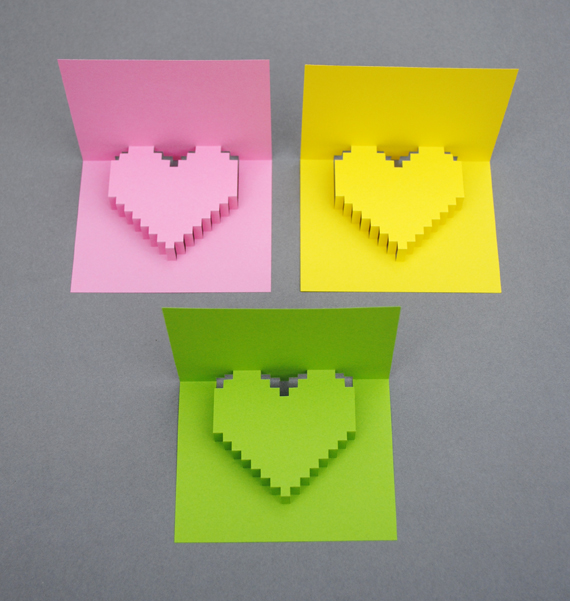
How to
1. Download the popup insert template and print out. I used paper but a thin card would probably be OK too. Using some scissors trim around the edge of the template.
2. Using a craft knife and ruler cut and score your card. See diagram below for more detail.
(If you have a cutting machine then see note at end of post!)
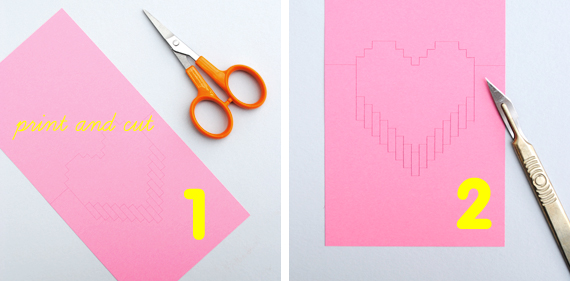
Cut along the black lines and score the grey lines.

3. Make the four valley folds as show below (thin yellow lines shown in fig. 3).
4. Slowly fold the top of the card inwards and the bottom half of the heart should begin to push out. (You don’t need to tape it to the table…I did because I was taking pictures at the same time!)
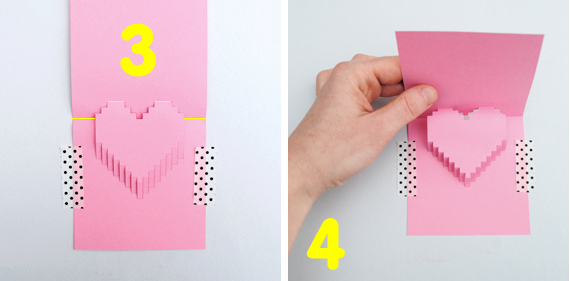
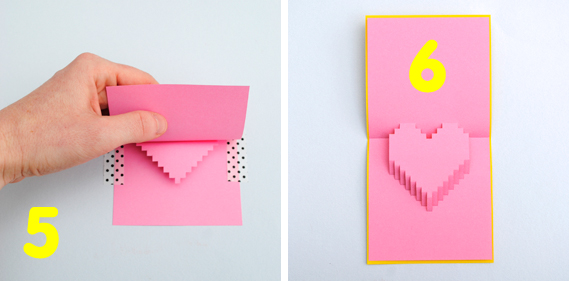
5. Fold card completely in half and smooth down
6. Make outer card and glue/tape popup insert inside. I just used a plain piece of paper which measured 9.5cm x 19cm and then folded it in half.
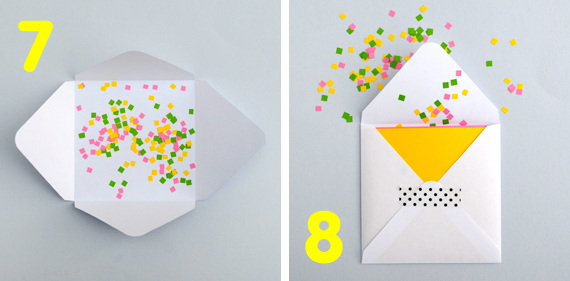
7. Print out the envelope template. Cut, score and fold.
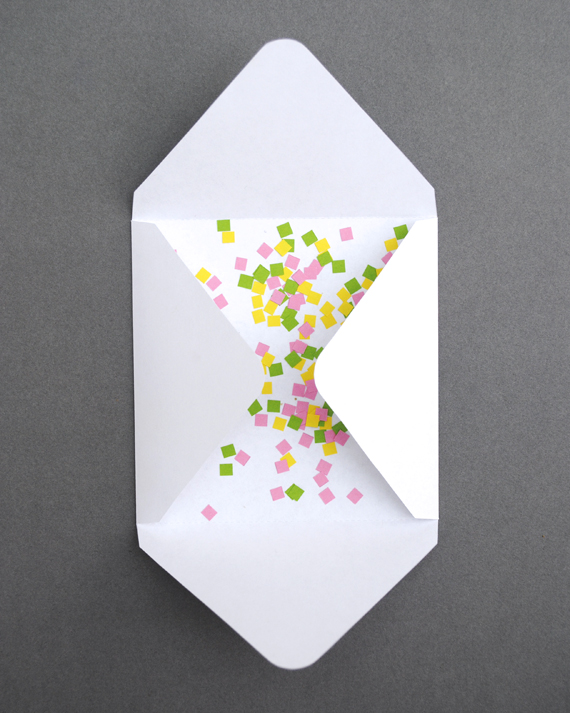
8. Pop card inside and tape envelope shut (I added some pixely confetti too)!
Edited to add: The lovely Kayla from saynotsweetanne has send me a .dfx file of the card which you can use if you have a cutting machine. I have never even heard of a cutting machine…let alone used one so this is all a bit of a revelation (for me, anyway)!! You can download the file here. Thanks Kayla! You’re a star! (Please leave a comment to let me know if you find this file useful…if you do then I’ll try to find out how to generate them for all my print/cut posts).
No comments